
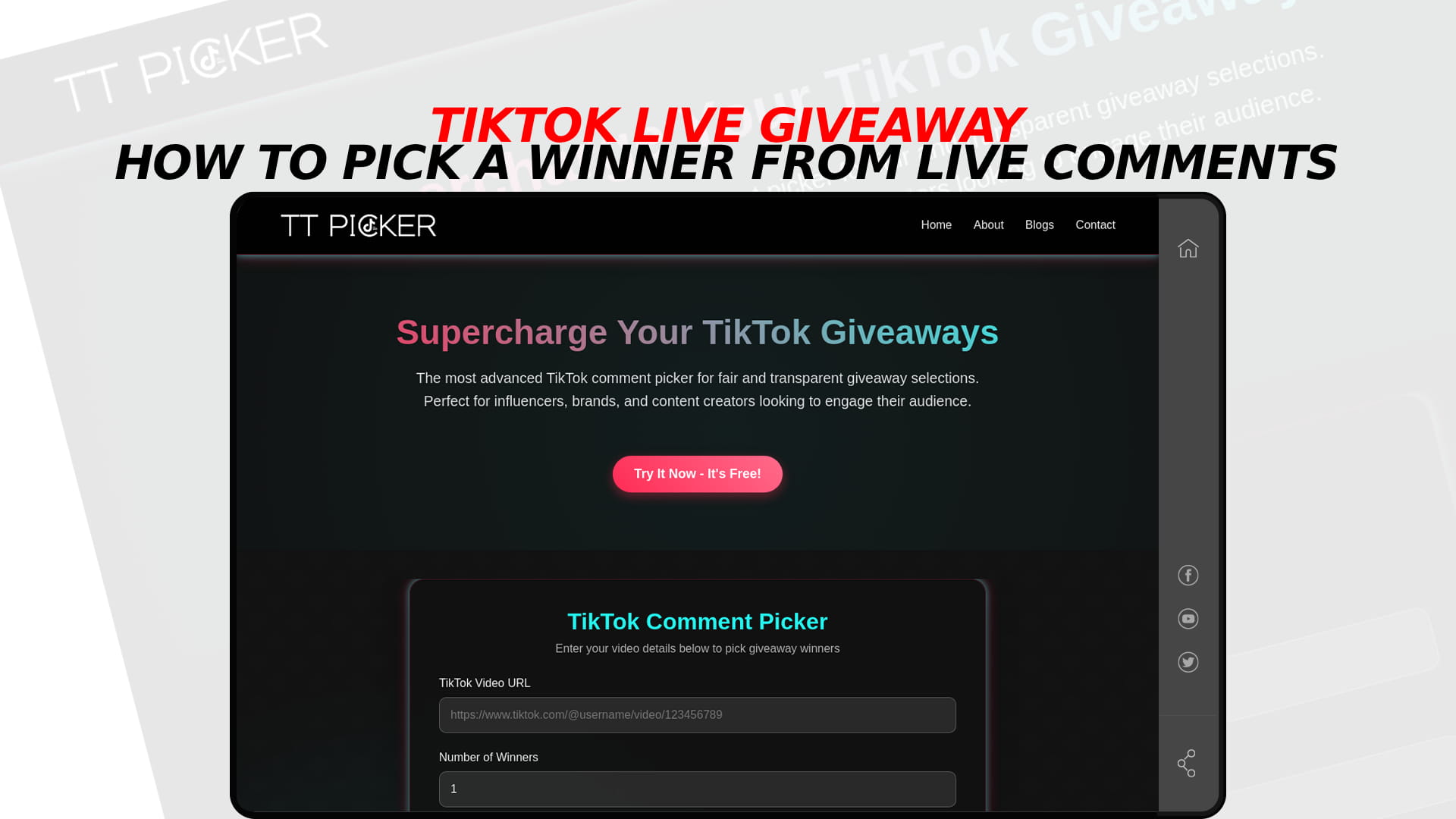
TikTok Live Giveaway: How to Pick a Winner from Live Comments
Use TT Picker’s TikTok Comment Picker to run a fair giveaway draw. Free to try – 3 free picks, Pro for unlimited.
If you are searching for a TikTok live giveaway picker, you probably want one thing: paste in your LIVE, press a button, get a winner. We checked whether TT Picker can do that, and the honest answer is no. TT Picker works from a link to a TikTok video, and its input field asks for a video URL. Nothing on the site describes reading the chat from a LIVE stream, so this post does not claim it can.
That does not leave you stuck. You can still run a fair, visible draw for a LIVE giveaway. You just move the entries from the live chat to a regular video post, which is something a comment picker can read. Below is why, how to set it up, and what to do if you would rather not use a second post at all.
Why a comment picker cannot just read your LIVE
A comment picker reads the comments under a posted video, at a fixed link, and treats them as a list: who commented, what they wrote, and when. That list stays put, so the tool can filter it, remove duplicates and draw at random.
A LIVE chat is different. Messages scroll past in real time and are not kept as a tidy list attached to a link you can paste. The practical result is that there is nothing for a picker to load. Be wary of any tool or video that promises a one-click draw from a LIVE chat. If it cannot show you where the entry list came from, you will not be able to show your audience either.
The same logic applies to the claim "I'll just pick from the replay". A replay is not a posted video with a comment section you can export, so do not build your giveaway on it without testing first.
The method that works: a companion video
The cleanest way to do a fair draw tied to a LIVE is to use a companion video: an ordinary TikTok post that holds the entries, while the LIVE is where you promote and announce.
Here is the setup.
- Post a short entry video before you go live. Say what the prize is, how to enter, the deadline and the winner announcement time. A single clear clip is enough.
- Make the comment section the only way to enter. The rule is simple: comment on the entry video, with a keyword if you want one. Do not accept entries in the LIVE chat, or you will end up with two lists and no clean way to merge them.
- Promote it on the LIVE. Tell viewers to open your profile, find the pinned entry video and comment. Repeat it every few minutes for people who join late.
- Close entries at a stated time. Name the deadline with a time zone, for example "entries close at 8:00 pm UTC". Say it out loud and put it on screen.
- Run the draw at the end of the LIVE. Paste the entry video link into the picker, apply your filters and draw while your viewers watch.
This keeps the LIVE for what it is good at, which is attention, and gives the draw a proper list to work from. It also fits how TikTok expects terms to be shown. The terms should be on the video itself, on screen or spoken, not tucked into a caption, so say the key terms aloud and show them on screen.
Setting up the draw
For a typical LIVE giveaway, these settings cover most cases:
- Remove duplicate users, so each person is one entry however many times they comment.
- Exclude the post author, so your own replies do not count.
- Include words, if you asked people to type a keyword. Anything without it drops out.
- Tag a friend, only if your rules actually require it.
- Minimum comment length, if you want to filter one-character spam.
- Number of winners, plus one or two backups. Pick the backups in the same pass so you have them if the first winner does not reply.
Whatever you set must match what you told people. If your rules say "one entry per person, keyword required", the filters should say the same, because someone will compare them. Duplicate handling is explained in the guide to removing duplicate entries from a TikTok draw.
Running it on screen during the LIVE
The best proof a draw was fair is that your audience watched it happen. TT Picker shows the selection process on screen, so you can share your screen or point the camera at your monitor, load the entry video, set the filters and press draw. Have the entry video link copied and ready.
One practical note: TT Picker needs an account. New accounts get 3 free trial draws in total, after which a paid plan starts from $5 a month. Save your trial draws for the real giveaway rather than spending them on testing.
Option two: TikTok's own LIVE Giveaway feature
If the prize comes through TikTok Shop, you may not have a choice about method. TikTok's policy for Shop giveaways says sellers and creators must use its LIVE Giveaway feature, with "Join to Win" or "Comment to Win" as the supported entry types. The same policy bans cash, virtual currency and gift cards as prizes and does not allow gambling, gamification or randomisation mechanics such as wheel spins. The US seller page also sets a value cap under $500 for Shop giveaway items.
The built-in feature handles the draw inside TikTok, so you do not use a picker at all. The trade-off is less control over filters, and it is meant for Shop prizes. For a prize you are paying for yourself, such as a product, a gift or a service, the companion video gives you more say over keywords, duplicates and backups. Check TikTok's current promotions rules before you settle on a prize value, because policies change. The LIVE-specific rules are collected in what creators should know about TikTok LIVE giveaway rules.
Option three: manual capture, if you must
Sometimes you cannot post a companion video, for example a spontaneous giveaway with no preparation. In that case you can capture entries by hand, with the understanding that this is the weakest option.
- Ask a moderator or friend to log entries in a spreadsheet as they appear: username, time and message.
- Or run a fixed window, such as "comment in the next two minutes", and screen-record the chat for that window so you have something to point to.
- Number the entries and pick the winner with a random number generator, not by choosing someone who stood out.
The problems are obvious. Chat moves fast, people get missed, and nobody outside the stream can check your list. If you go this way, say so openly: "I am logging entries by hand, here is my list." Do not describe it as an automated draw. And do not use "first to comment wins" as a stand-in for a random draw. That is a speed contest, and you should call it one.
What to say on the LIVE
You do not need a long speech. This script covers the key terms in a way viewers can hear:
"We're giving away [PRIZE]. To enter, go to my profile, open the pinned video and comment [KEYWORD]. One entry per person. Entries close at [TIME] [TIME ZONE]. Open to [REGIONS], [AGE] and over. No purchase necessary, and gifts or coins do not count as entries. I'll pick the winner at random at the end of this LIVE. This giveaway is not sponsored or endorsed by TikTok."
Put the same lines on screen as text and pin them. If you need full written rules to link in your bio, the free giveaway rules template gives you a version to copy.
Mistakes that cause trouble
Counting gifts or coins as entries. Entry must be free. Do not tie winning to paid LIVE gifts.
Taking entries in two places. If some people comment on the video and others in the chat, you have an unfair, unmergeable pool. Pick one.
Changing the rules mid-stream. If you must change something, say it out loud, put it on screen and give people time to react.
Skipping the backup. If the winner is not present or does not reply, you need a second name drawn the same way.
Claiming more than you did. Do not tell viewers a tool read the live chat if it did not. Say what you did.
After the draw
Show the result on screen, read the username out loud and say what happens next, such as a direct message within a set number of days. Screen-record the draw so you can show it later, and keep the entry video and filter settings. The guide to screen recording your TikTok winner pick covers how to capture it cleanly. For a longer walkthrough of the same companion-video approach, see how to pick a winner from a TikTok LIVE giveaway.
The short version
TT Picker does not read TikTok LIVE comments, so there is no pasting a stream into it. What works is a companion video that holds the entries, a LIVE that promotes it and shows the draw, and filters that match your stated rules. If your prize runs through TikTok Shop, use TikTok's own LIVE Giveaway feature instead. If neither is possible, capture entries by hand and say so plainly.
Frequently Asked Questions
No. TT Picker works from a link to a posted TikTok video, and it does not read LIVE chat. Collect entries on a regular video and run the draw on that link.
Do not count on it. A replay is not a posted video with an exportable comment section, so test before you promise anything to your audience.
It is an ordinary TikTok post that holds your giveaway entries as comments, while the LIVE is used to promote the giveaway and announce the winner.
Yes. Close entries at a stated time, paste the entry video link into the picker, set your filters and draw on screen while viewers watch.
For TikTok Shop prizes, yes, according to TikTok's policy. For prizes you provide yourself, a companion video and a picker give you more control over the rules.