
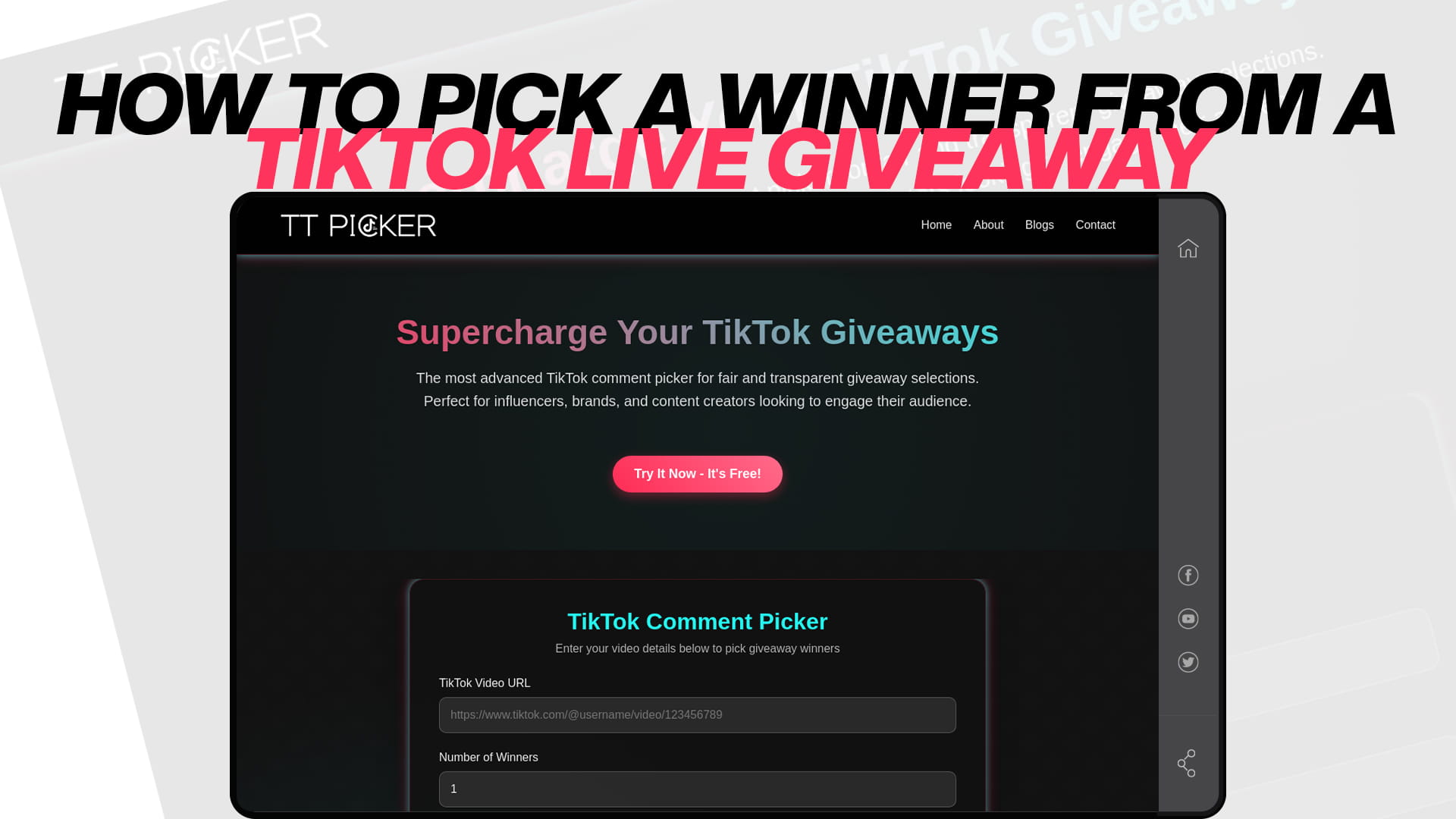
How to Pick a Winner From a TikTok LIVE Giveaway
LIVE giveaways are brilliant for engagement. Viewers stay for the draw, the comments move fast, and the reveal happens in front of everyone, which is about as transparent as a giveaway can get. But when you actually sit down to run one, a practical problem appears: how do you pick the winner?
The answer is different from a normal video giveaway, and the reason is technical. This guide explains why a comment picker cannot draw from a LIVE, how TikTok's built-in feature works, and the reliable method most creators end up using for non-Shop prizes.
Why a comment picker cannot read LIVE comments
Start with the limitation, because everything else follows from it. A comment picker works by reading the comments attached to a posted video or photo post at a fixed URL. Those comments persist; they sit publicly under the post, and a tool can fetch them at any time after the fact.
LIVE comments are not like that. They stream past in real time and are not retained as a browsable comment section afterward. There is no fixed post URL holding a list of everyone who commented during your broadcast. When the stream ends, that scrolling river of comments is gone as a dataset, even if you saved a replay of the video.
So there is nothing for a picker to point at. You cannot paste a LIVE into a comment picker and have it produce your entrants, and you should be sceptical of anything claiming otherwise. This is not a shortcoming of any particular tool; it is a consequence of how LIVE comments work. Which means picking a LIVE winner requires one of the approaches below.
Route 1: TikTok's built-in LIVE Giveaway feature
If your prize is a TikTok Shop product, this is not just an option; it is what you are expected to use. TikTok Shop's rules require sellers and creators to use the built-in LIVE Giveaway feature where it is available, rather than running the draw yourself.
The good news is that the feature does the picking for you, automatically and randomly, which removes the whole problem.
You can set it up either before your stream in LIVE Manager, or during the broadcast using the giveaway icon at the top of the LIVE screen. You choose the prize and the entry method, and you set a countdown. Two entry types are supported. Join to win, where viewers open the giveaway panel and tap to join, then stay in the stream until the countdown ends. And comment to win, where viewers enter by commenting during the LIVE.
When the countdown finishes, the tool selects the winner or winners at random and announces the result in a pop-up in the livestream. Winners also get notified in their inbox and by push notification. From there, the winner submits their shipping information, and there is a firm window on that: if they do not submit within 48 hours, the prize is forfeited. As the seller you cover the shipping cost, and you are required to actually ship the giveaway items, with the platform treating failure to ship as grounds for losing access to the feature.
The trade-off is that the feature is deliberately restrictive. Only join to win and comment to win are permitted, and you cannot require extra actions on top, so no demanding a follow, a tag, or a share as a condition of entry. Cash and gift cards are not allowed as prizes. And gamified selection methods, including wheel spins, are prohibited under the Shop guidelines. If you are used to running "follow, tag two friends, and comment" giveaways, the LIVE Giveaway feature will feel narrow, but it also means the draw is handled and provably random without you doing anything.
Route 2: the companion video method
For a non-Shop prize, your own merch, a gift card, a service, a collaboration prize, you have more freedom in how you run entry, and this is the method I would recommend to most creators. It is the one that gives you a fair, recordable, provable draw.
The idea is simple: use the LIVE to promote and hype the giveaway, but route the actual entries to a posted video's comments rather than to the LIVE chat.
In practice, you post a giveaway video before or during your stream, then during the LIVE you tell viewers to go and comment on that video to enter. You can pin a comment linking to it, mention it repeatedly as new viewers join, and use the LIVE's energy to drive entries. Your entry pool then lives where a tool can actually read it.
After the LIVE ends, you draw exactly as you would for any video giveaway. Paste the video link into a TikTok comment picker, let it read all the comments, remove duplicate entries so a viewer who commented twenty times gets one fair chance, apply a keyword filter if you asked for one, and draw. You can screen-record the draw and post it as your announcement, or hold the draw on a second LIVE so people watch it happen. The whole flow is covered in the overview of the giveaway and contest tool.
This method gets you the best of both worlds: the excitement and watch time of a LIVE, plus a draw that is genuinely random, filtered, and documented. Duplicate filtering matters more than usual here, because LIVE audiences are enthusiastic and repeat-commenting is rampant, and the guide to a comment picker without duplicates explains how it keeps the pool honest.
Route 3: capturing entries manually during the LIVE
If you insist on drawing from the LIVE chat itself for a non-Shop giveaway, you can, but understand what you are giving up.
The usual approaches are to screenshot the comment feed at a specific announced moment, or to have a co-host write down usernames as they comment. You then number your captured list and draw from it, ideally on camera.
The problems are real. Your capture is inevitably incomplete, because comments move faster than anyone can record, so some people who entered in good faith never make it into the pool. It is biased toward whoever happened to be visible when you screenshotted. And it is hard to prove: your audience has to trust that your list represents everyone who entered.
If you do go this way, be transparent about the method. Announce clearly that you will screenshot at a specific moment and that only comments visible at that instant count, so people know the rules of the game rather than assuming a full random draw of all commenters. That honesty is what keeps a rough method fair.
Route 4: race formats, which are not random draws
One more approach deserves clarifying because it gets confused with a draw. "First person to comment the keyword wins" is a race, not a random selection. It is legitimate and popular in LIVEs, and it is easy to adjudicate because you just look at who was first.
But it is a different structure. It rewards speed and connection quality rather than luck, which means viewers on slower connections are systematically disadvantaged, and it tends to be won by the same handful of fast regulars. If you use it, describe it accurately as a race rather than calling it a random giveaway, so nobody expects equal odds. And know that for Shop prizes it is not one of the two permitted entry methods, so it is a non-Shop format only.
The mistake that gets creators in trouble
There is one error worth calling out on its own, because it crosses a legal line and not just a policy one.
Do not ask viewers to send you paid gifts or coins to enter. It is tempting, because LIVE gifting is right there and it feels like a natural way to reward supporters. But requiring payment to enter a random prize draw creates the prize-plus-chance-plus-payment combination that makes a promotion a lottery, which private creators and businesses cannot legally run in most places. It is also against the platform's giveaway rules.
Keep LIVE entry to joining, commenting, or watching. Free entry keeps you a legal sweepstakes, and it keeps you inside the platform rules at the same time.
Handling the winner after a LIVE draw
LIVE giveaways have one wrinkle that video giveaways do not: your winner may have closed the app and wandered off before you announced.
If you used the built-in feature, this is handled, since the tool notifies the winner through the app and gives them the 48-hour window to submit shipping details. If you drew manually or via a companion video, plan for it yourself. Announce the winner both during the LIVE and in a follow-up post, so someone who left still finds out. Give a clear claim deadline, and state in your rules that a backup winner may be drawn if the first does not respond.
Draw those backups at the same time as the main winner, not later. With a LIVE audience, the odds of a winner disappearing are higher than usual, and having alternates already selected in the same recorded draw means moving on is procedure rather than an improvised second draw. If you are awarding several prizes across a stream, drawing them all in one pass is covered in the guide to multiple winner selection.
Keeping a LIVE draw transparent
The nice thing about a LIVE is that the audience watches it happen, which is inherently transparent. Make the most of that.
If you are using the built-in feature, the pop-up result is visible to everyone in the room, which is about as public as a draw gets. If you are drawing from a companion video during a LIVE, share your screen or hold your phone to the camera so viewers see the comment pool and the selection, exactly as you would for a recorded draw. Either way, save the LIVE replay if you can, and post a clip of the draw moment as part of your winner announcement, so the people who were not in the room can see it too.
Picking a winner from a TikTok LIVE giveaway comes down to accepting one technical fact and then choosing your route around it: LIVE comments cannot be read by a picker, so either let TikTok's built-in feature handle the draw for you, or run entry through a posted video where a tool can do the job properly. Keep entry free, draw backups in the same pass, and show the selection to the room. Do that and a LIVE giveaway gives you the best transparency of any format, because your audience does not have to take your word for it, they watched it happen.
Frequently Asked Questions
No. LIVE comments stream past in real time and are not retained at a fixed post URL as a browsable comment section, so there is no dataset for a picker to read. Pickers work on posted videos and photo posts. For a LIVE, use TikTok's built-in LIVE Giveaway feature or route entries to a posted video instead.
You set it up in LIVE Manager or via the giveaway icon during the stream, choose join to win or comment to win, and set a countdown. When the countdown ends, the tool selects winners randomly and shows the result in a pop-up, then notifies the winner, who must submit shipping details within 48 hours or forfeit.
If your prize is a TikTok Shop product, yes, you are expected to use the LIVE Giveaway feature where it is available, and only join to win or comment to win are permitted. For non-Shop prizes you have more freedom, which is where the companion video method works well.
Use the LIVE to promote it but route entries to the comments of a posted giveaway video. Then draw with a comment picker after the stream, filtering duplicates and applying any keyword. You get the LIVE's engagement plus a draw that is random, filterable, and recordable.
No. Requiring payment to enter a random prize draw makes it a lottery, which private creators and businesses generally cannot run, and it breaches the platform's giveaway rules. Keep entry to joining, commenting, or watching so the giveaway stays free.