
How to Do a Giveaway on TikTok (Step-by-Step, 2026)
Wondering how to do a giveaway on TikTok? Yes, you can do a giveaway on TikTok, and creators and small brands run them every day. Learning how to do a TikTok giveaway is mostly a matter of making nine decisions in the right order. You do not need a large following, a budget or a special account type. You do need a prize, a simple way to enter, written rules, and a fair way to choose the winner.
This guide covers each step, the TikTok rules that apply along the way, the legal basics, and how to pick a winner on TikTok in a way nobody can argue with. If you want the short version, it is this: keep entry free, put the rules in the video, draw the winner with a method you can show, and tell people who won.
The 9 steps at a glance
- Decide what the giveaway is for.
- Choose a format: giveaway or contest.
- Pick a prize.
- Choose how people enter.
- Write your rules and put them in the video.
- Post it and promote it.
- Run it and watch for problems.
- Pick the winner.
- Verify, announce and deliver.
Step 1: decide what the giveaway is for
Every decision after this one depends on your goal, so settle it first. The common goals are more followers, more comments and shares on a post, more attention for a product launch, or content from your audience. Pick one. A giveaway that tries to do all four usually does none of them well.
Your goal also tells you what to measure afterward. If you want followers, you will care about how many stayed a month later, not how many arrived on day one. The guide on what a TikTok giveaway really costs per follower explains why, and the giveaway ROI calculator lets you check your own numbers.
Step 2: choose a format
There are two basic formats, and the difference matters for the rules.
A giveaway picks a winner at random from the people who entered. Commenting on a video is the usual entry. It is the easiest format to run and the one this guide focuses on.
A TikTok contest (some people write it as a "tik tok contest") asks people to make something, such as a video, a stitch or a caption, and picks the winner on merit or by votes. It produces content you can reuse, but you have to judge entries, and your judging criteria need to be written down. The difference between the two, and how sweepstakes fit in, is explained in the guide to giveaways, contests and sweepstakes.
If you are new, start with a comment-to-enter giveaway. For more formats to choose from, the list of TikTok giveaway ideas groups them by goal.
Step 3: pick a prize
Choose something your ideal follower wants and a random freebie hunter does not. A prize tied to your niche or your own product attracts people who will care about your next post. A generic gift card attracts everyone, and most of them leave once the winner is announced.
Prize value also has rules attached. For TikTok Shop giveaways run through the official LIVE Giveaway feature, TikTok's policy says items must be valued below $500, and cash and gift cards are not allowed. Other formats are less specific in TikTok's own documentation, and the policy changes, so check TikTok's current promotions rules before you fix the prize value. Separately, larger prizes trigger legal and tax obligations in many places, covered below.
Decide before you post how the prize will be delivered and who pays for shipping. Winners from other countries are the usual surprise, so either limit entry to places you can ship to or state that you will not ship internationally.
Step 4: choose how people enter
Keep the entry method simple, free, and easy to check. The most common choice is to comment on the video, optionally with a keyword. It gives you a clean list of entries to draw from, and the comments help the video's reach.
A few rules of thumb:
- Entry must be free. Do not require a purchase or paid LIVE gifts to qualify.
- Ask for one action, or at most two. Each extra step cuts entries, though it can also raise the quality of the followers you gain.
- Use a keyword if you want to filter entries cleanly, and say exactly what it is.
- Be careful with tagging. Asking for a friend or two is fine in most cases, while demanding a long list of tags is the kind of thing TikTok's rules and the ads watchdogs frown on.
- Think before you require a follow. It is common, but the rules around it are worth reading in the guide to requiring follows in a TikTok giveaway.
Set a deadline with a time and a time zone. "Ends Friday at 6pm UTC" is clear. "Ends Friday" is not, and it leads to arguments about late entries.
Step 5: write your rules and put them in the video
Rules protect you and reassure entrants. At minimum they should cover who can enter (age and location), how to enter, the deadline, what the prize is and its approximate value, how the winner will be chosen, how and when they will be contacted, and what happens if they do not respond. The guide to whether you need official rules for a giveaway explains when a short version is enough, and a giveaway rules generator gives you a base to edit.
Two details matter on TikTok specifically.
Put the key terms in the video itself, as on-screen text or spoken aloud, not only in the caption. TikTok's promotions policy asks for terms to be clearly stated in the content, and the safest habit is to show the prize, how to enter, who is eligible, how the winner is chosen and the end date on screen.
Include a line saying the giveaway is not sponsored, endorsed or administered by TikTok. A common wording is "in no way sponsored, endorsed, administered by, or associated with TikTok."
If the giveaway is for a brand and a creator is posting it, the same terms must appear in their post, and the creator must disclose the partnership. The full rules are in the TikTok giveaway rules and guidelines guide.
Step 6: post it and promote it
Make the video do the work in the first three seconds. State the prize, then the one thing people need to do. A clear prize on screen, a short caption and a pinned comment repeating the entry instruction will do more than a long explanation.
Use a handful of relevant hashtags, not thirty. A small mix of a giveaway tag, a niche tag and a branded tag works best, and the guide to TikTok giveaway hashtags that work shows how to choose them. Mention the giveaway in your stories, your bio and your other channels, and post a reminder shortly before the deadline.
Run it for long enough that people see it, and short enough that it stays urgent. Between three and seven days suits most accounts.
Step 7: Run it and watch for problems
While the giveaway is live, check the comments now and then. Reply to questions about the rules so entrants are not confused, and delete obvious spam.
Expect some duplicates and some low-quality entries. The guide to preventing bots and fake entries covers how to design the giveaway to discourage them and how to filter the rest at draw time. Do not change the rules once the giveaway is running. If something must change, say so publicly and keep the earlier version on record.
If you are going live instead of posting a video, the rules differ in places. See the guide to TikTok LIVE giveaway rules.
Step 8: Pick the winner
This is the step people worry about most, and it is where a giveaway most often loses trust. There are two ways to pick a winner on TikTok.
Pick by hand
You can scroll the comments and choose one. It is quick, and it is hard to defend. Nobody can tell whether you picked randomly, and in some places it is not acceptable evidence at all. The UK advertising regulator, for example, has upheld a complaint against a promoter who selected winners by scrolling through comments, because the process was not independent or verifiably random. If anyone challenges the result, you have nothing to show.
Use a comment picker
A TikTok comment picker reads the comments on your video, applies your filters, and chooses at random, so the draw is repeatable in method and visible to your audience. The usual steps are:
- Copy the link to your giveaway video.
- Paste it into the picker.
- Set your filters: required keyword, hashtag or friend tag, and duplicate handling so each person counts once.
- Choose how many winners you want, including backups.
- Run the draw and record your screen while it happens.
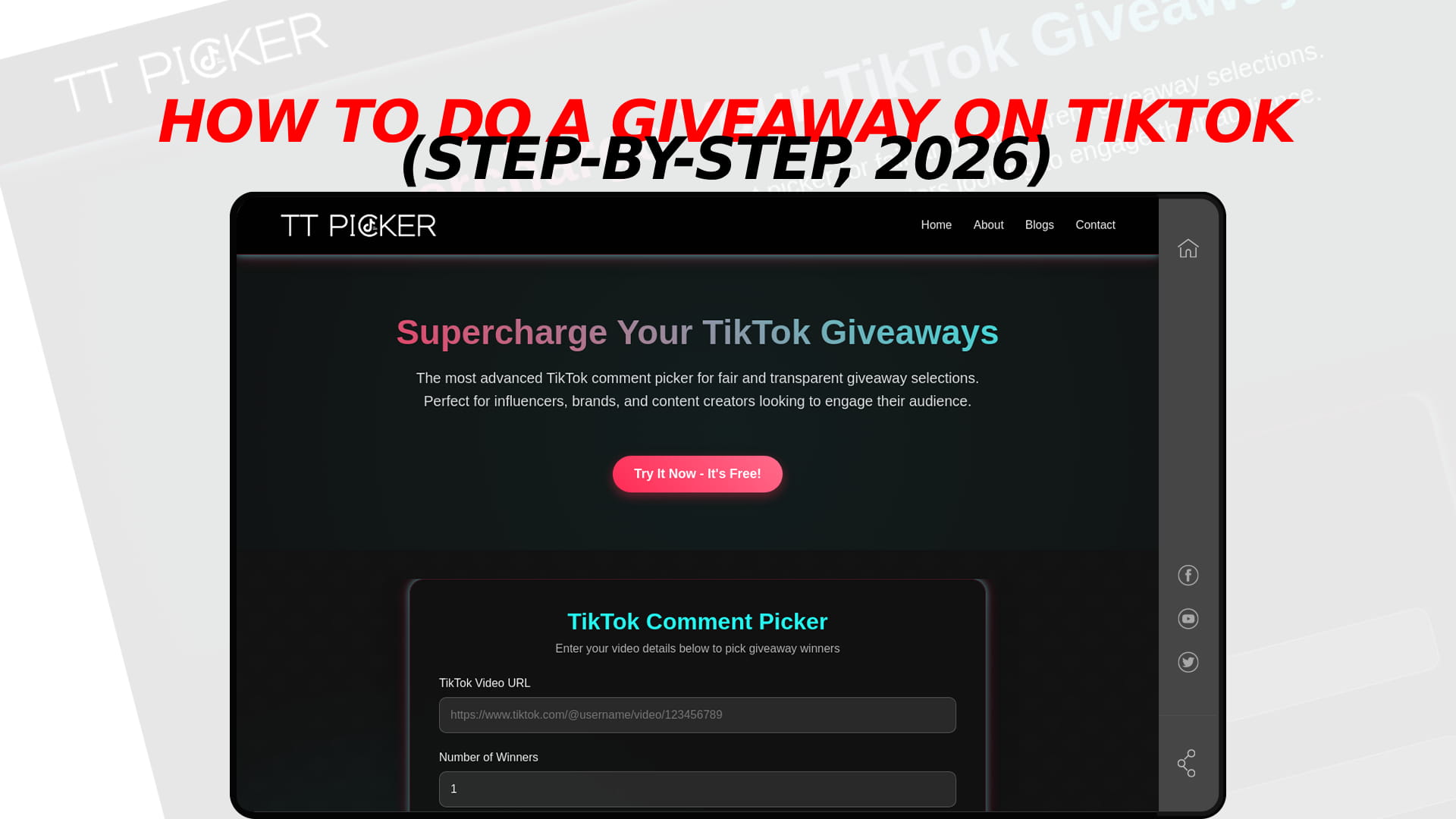
TT Picker works this way for TikTok. You create an account, and each account gets three free trial draws, after which a paid plan starting at $5 a month removes the limit. It uses a cryptographically secure random method, so every qualifying comment has an equal chance. If you want to compare options before you choose, the guide to the best free TikTok comment picker tools sets out what each tool gives you without paying. For a detailed walkthrough of the draw itself, see how to pick a winner on TikTok step by step.
Whichever method you use, take the draw seriously as evidence. Save a screen recording, note the time, and keep the list of eligible entries. That record is what turns "I promise it was fair" into something you can show.
Step 9: verify, announce and deliver
Before you announce anything, contact the winner privately and check the account looks like a real person, not a new empty profile. If they do not reply within the window you set in your rules, move to your backup winner and keep a note of what happened.
Then announce the winner publicly in a new video or a pinned comment. Name the winner by username unless they prefer not to be named, say when and how the prize will be sent, and thank everyone who entered. The guide on how to announce a giveaway winner has formats you can copy.
Send the prize promptly and keep proof of delivery. Winners who wait weeks for a prize post about it.
The legal basics before you start
A giveaway is legal almost everywhere when entry is free and the winner is chosen fairly, but the details change by country.
In the US, an illegal lottery requires a prize, chance and a payment or other consideration. Keeping entry free removes the payment element, and larger prizes can trigger registration and bonding in some states. Winners also owe tax on prize value, and the guide to whether TikTok giveaways are legal covers the US position.
In the UK, a free draw is outside gambling law, but the CAP Code applies to how you run it, as set out in the guide to giveaways in the UK. Canada adds a skill-testing question, covered in the guide to Canadian giveaway rules, and Australia has permit rules that vary by state, covered in the guide to running a giveaway in Australia.
If your giveaway is open worldwide, follow the strictest rule that applies to the countries you accept entries from, or restrict entry to the places you have checked. This is general information, not legal advice, and a large prize is worth a short conversation with a professional.
Mistakes that sink first giveaways
Putting the rules in the caption only, so the video does not show them. Making entry too hard, so almost nobody takes part. Choosing a prize nobody in your audience wants. Leaving the deadline vague. Picking the winner by hand and having no record. Announcing before checking the account is real. And not setting a date for the winner to respond, so the giveaway never finishes.
A quick checklist
Before you post: goal chosen, format chosen, prize and delivery sorted, entry method free and simple, deadline with time zone, rules written, key terms and the "not sponsored by TikTok" line ready for the video.
While it runs: replies to questions, spam removed, no rule changes without a public note.
At the end: winner drawn with a recording, backup winners chosen, account checked, winner contacted, announcement posted, prize delivered.
Frequently Asked Questions
Yes. TikTok allows giveaways as long as they follow its community guidelines and promotions policy, entry is free, and the terms are stated in the content.
The steps are the same. A small account can run a comment-to-enter giveaway with a niche prize, and the guide to giveaway ideas for small accounts covers formats that suit it.
Use a comment picker to draw at random from the eligible comments, apply your keyword and duplicate filters, and record the draw. Picking by hand is hard to defend.
Yes, at least a short version. Cover eligibility, entry, deadline, prize, winner selection and a "not sponsored by TikTok" statement, and show the key terms in the video.
No. A giveaway picks at random, while a contest judges entries on merit or votes, and the legal rules differ between them.