
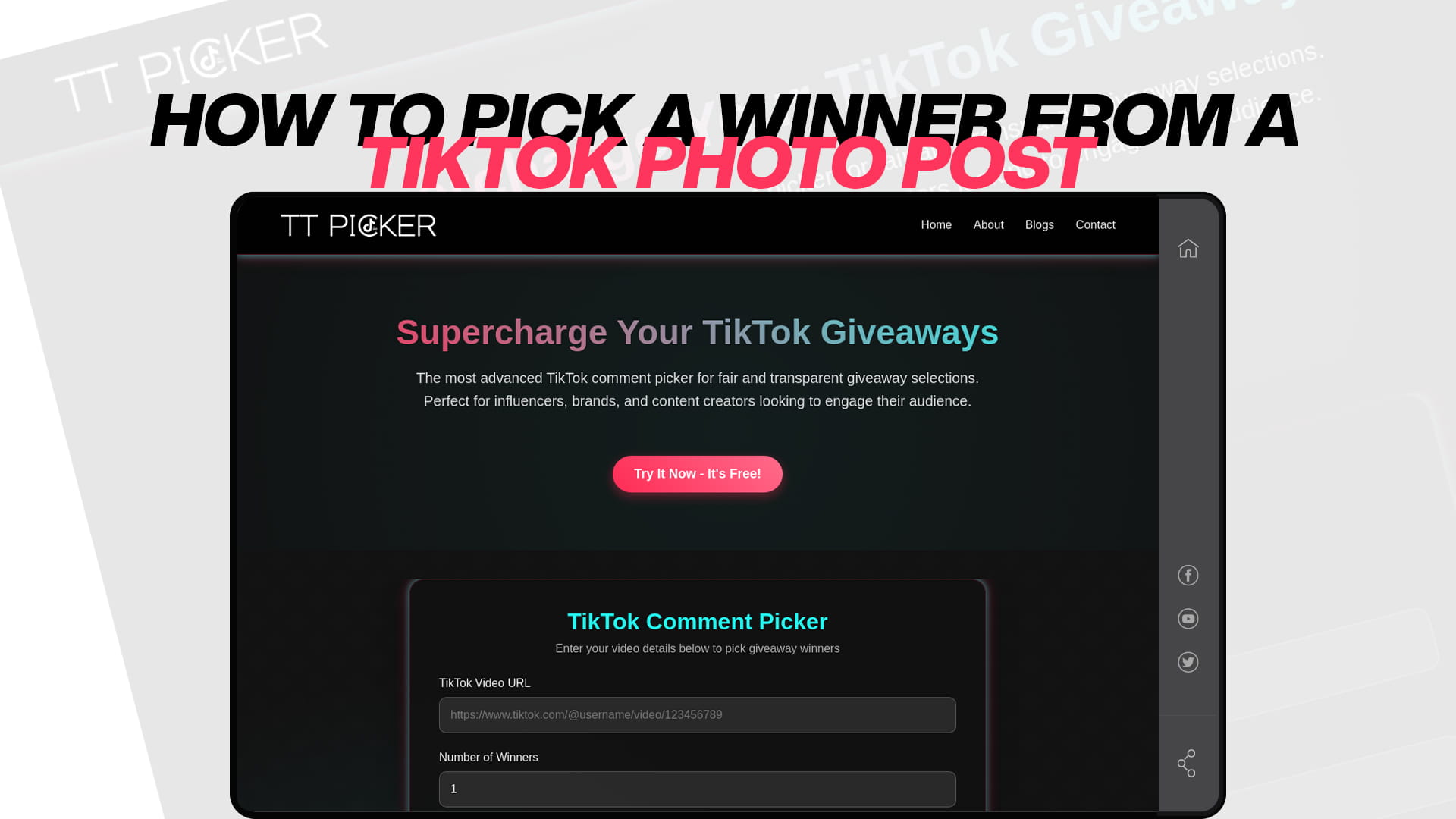
How to Pick a Winner from a TikTok Photo Post
TikTok photo posts have become one of the fastest-growing content formats on the platform. As more creators and brands use them to announce giveaways, the challenge of picking a winner fairly and transparently has grown just as fast. If you have ever posted a TikTok photo slideshow for a contest and then felt overwhelmed staring at hundreds of comments, this guide is exactly what you need.
This walkthrough covers everything from understanding how TikTok photo post giveaways work to using the right tool to pick a winner your audience will trust.
What Is a TikTok Photo Post Giveaway?
A TikTok photo post giveaway is a contest hosted on a TikTok image carousel or photo slideshow video. Instead of a traditional video, creators upload a series of still images — often product photos, promo graphics, or announcement slides — and ask followers to comment to enter. The format has grown in popularity because photo posts tend to stay discoverable in search longer than standard videos and can generate consistent comment engagement over several days or even weeks.
The entry mechanic usually looks like this:
- Comment to enter
- Tag a friend in the comments
- Comment with a specific keyword (e.g., "WIN" or "I want this")
- Follow the account and comment
The problem most creators run into is that once the post goes live and comments start rolling in, manually choosing a winner becomes a mess — and it opens the door to accusations of bias.
Why You Cannot Afford to Pick a Winner Manually
Picking a winner by scrolling through comments yourself, even with the best intentions, is a method that will eventually cost you. Here is why:
It looks biased. Even if you genuinely pick at random, your followers have no way to verify that. One accusation of favoritism in the comments section can snowball fast.
It is exhausting and error-prone. If your photo post gets 500 or 5,000 comments, manually reviewing each one takes hours. You are likely to miss duplicate entries, ineligible accounts, or comments that do not follow your rules.
You have no proof. When someone disputes the winner — and someone always does — you have nothing to show them. No timestamp, no selection log, no documentation.
It wastes your time. Time you could be spending creating the next post, engaging with DMs, or planning your next campaign.
A dedicated TikTok comment picker solves all of these problems instantly.
How TT Picker Works for TikTok Photo Post Giveaways
TT Picker is the most advanced TikTok comment picker tool built specifically for fair and transparent giveaway selections. It works for all TikTok post types — including photo slideshows — as long as the post is public and has a URL.
Here is how the process works from start to finish:
Step 1: Copy Your TikTok Photo Post URL
Go to your TikTok photo post, tap the share icon, and copy the link. This is the URL you will paste into TT Picker.
Step 2: Paste the URL into TT Picker
Navigate to TT Picker and paste your post URL into the input field. The tool immediately begins loading all the public comments from that post. Even if the post has thousands of comments, TT Picker handles the full volume without slowing down or missing entries.
Step 3: Apply Your Filters
This is where TT Picker stands apart from basic random tools. You can:
- Filter by keyword — Only include comments that contain a specific word or phrase (e.g., "WIN"). This is essential if your giveaway rules require a particular entry phrase.
- Remove duplicates — Eliminate multiple entries from the same account so no one can stack the odds in their favor.
- Exclude replies — Some creators only want top-level comments as valid entries, not replies to other comments. TT Picker gives you control over this.
These filters ensure that only genuinely eligible entries make it into the selection pool.
Step 4: Pick the Winner
Once your filters are set, click the pick button. TT Picker uses a cryptographically secure random number generator to select the winner. The result is instant — you will see the winning username and their comment displayed on screen.
Step 5: Document the Result
Take a screenshot of the winning result screen inside TT Picker. This screenshot shows the winner's username, the winning comment, and the timestamp of the selection. This is your proof of a fair draw, and it is exactly what you need to share with your audience.
Setting Up a TikTok Photo Post Giveaway That Gets Real Engagement
Before you worry about picking a winner, you need to make sure your photo post giveaway is set up in a way that drives participation and keeps everything above board.
Write Clear Giveaway Rules in the Caption
Your caption is the rulebook. Include:
- What the prize is and its approximate value
- Exactly how to enter (comment, tag, keyword, follow — be specific)
- The closing date and time, including time zone
- How the winner will be selected and announced
- Any eligibility restrictions (age, location, etc.)
Choose the Right Entry Mechanic for Your Audience
If engagement is your goal, asking followers to tag a friend drives the most organic reach because every tag is a notification that brings a new person to your post. If you want to filter entries more cleanly, requiring a specific keyword comment makes it easier to use TT Picker's keyword filter when it is time to select a winner.
Pin the Giveaway Post
After publishing your photo post, pin it to the top of your profile so it is the first thing visitors see. This alone can significantly increase the number of entries over the giveaway period.
State That You Are Using a Random Picker
Mention in your caption or in a pinned comment that the winner will be selected using a random comment picker tool. This small transparency step dramatically reduces the chances of anyone questioning the result. Most followers respond positively to knowing that a fair system is in place before they even enter.
Common Mistakes Creators Make When Picking Giveaway Winners
Learning from other people's mistakes is a fast way to protect your credibility. Here are the most common errors creators make with TikTok photo post giveaways:
Not setting entry rules upfront. Without clear rules, you cannot fairly disqualify ineligible entries when it comes to picking a winner.
Forgetting to filter duplicates. If the same account commented ten times and "won," your comment section will fill with complaints.
Announcing the wrong winner. Manually copying a username from a comment thread and then mistyping it in your announcement is more common than you would think. Using a tool like TT Picker displays the exact winning comment, reducing the chance of this error.
Waiting too long to announce. The longer you wait between the giveaway closing and the winner announcement, the more followers disengage. Same-day or next-day announcements keep the momentum alive.
Not saving proof of the selection. Always screenshot your TT Picker results screen. If a dispute comes up later, you have documentation ready.
Why TT Picker Is the Right Tool for TikTok Photo Post Giveaways
Plenty of generic random pickers exist online, but most of them are not built for TikTok's specific comment structure. TT Picker is purpose-built for TikTok, which means it handles the platform's comment loading behavior correctly and pulls the full comment list — not just the visible portion.
According to the platform, TT Picker uses a cryptographically secure random number generator so every comment in the eligible pool has an equal mathematical chance of being selected. There is no weighting, no favoritism, and no way for the algorithm to prefer one entry over another.
It is also completely free, requires no download, and works on any device. You can read more about how the selection process works in this detailed breakdown of the TikTok comment picker and giveaway contest tool.
For creators who run giveaways regularly, TT Picker's filtering and documentation features make it significantly more reliable than scrolling through comments by hand. And for brands managing larger campaigns, the ability to handle thousands of comments without a slowdown means the tool scales with your audience.
After You Pick the Winner: What to Do Next
Picking the winner is only part of the process. Here is what happens after:
Reach out via DM first. Before making a public announcement, send the winner a direct message to confirm they are still interested and collect any information you need (shipping address, email, etc.). Give them 24–48 hours to respond before selecting an alternate.
Post the announcement. Once confirmed, post a follow-up announcement — either a comment reply, a new photo post, or a short video — sharing the winner's username and thanking everyone who entered. Sharing your TT Picker screenshot as part of the announcement proves the selection was fair.
Keep a record. Save your TT Picker selection documentation for your own records. If you are a brand or running sponsored giveaways, this documentation may also be needed for compliance purposes.
Tease the next giveaway. The best time to get people excited about your next giveaway is right after the current one wraps up. A simple "we will be doing this again soon — make sure you are following" in your winner announcement post keeps followers engaged between contests.
Final Thoughts
TikTok photo post giveaways are one of the most effective ways to grow your account, reward your community, and drive meaningful engagement. But they only work as well as the winner-selection process behind them. If your audience doubts the fairness of the draw, participation drops and trust suffers.
Using TT Picker takes the guesswork and the controversy out of the equation entirely. With keyword filtering, duplicate removal, instant random selection, and built-in documentation, it gives you everything you need to run a clean, credible giveaway every single time.
Set up your next TikTok photo post giveaway with clear rules, promote it well, and let TT Picker handle the rest.