
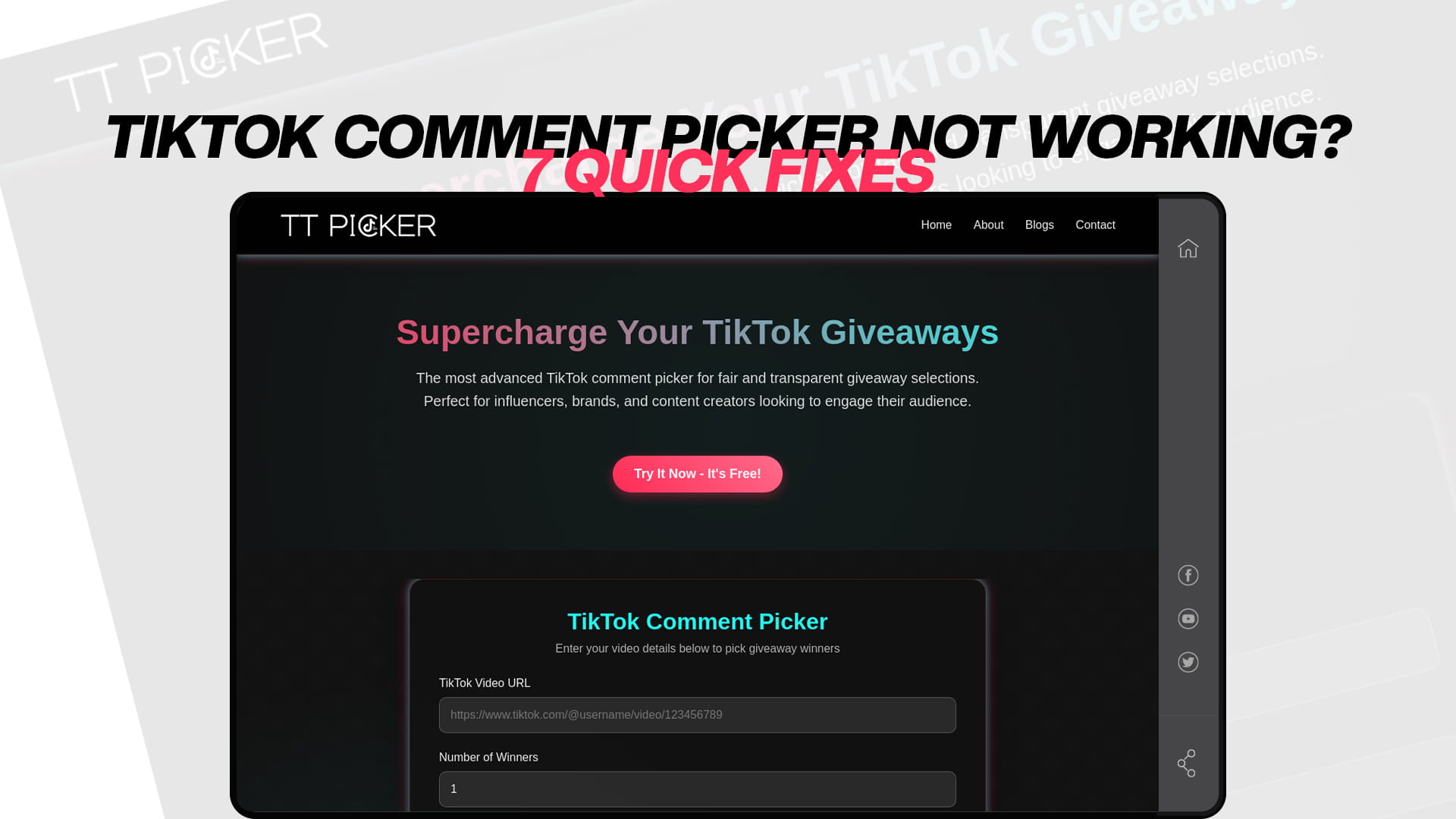
TikTok Comment Picker Not Working? 7 Quick Fixes
You copied your video link, pasted it into a comment picker, and something went wrong. Maybe nothing loaded, maybe only some comments appeared, or maybe the draw itself refused to run. It is a stressful moment, especially when your giveaway just closed, and an audience is waiting for a winner.
The good news is that almost every comment picker problem has a known cause and a fast fix. Here are seven quick fixes that resolve the vast majority of issues, in the order you should try them, so you can get unstuck and finish your draw.
Fix 1: Make sure the video and account are public
This is the single most common reason a picker fails, so check it first. Comment pickers can only read comments on public posts, because that is the only data they are allowed to access.
Confirm the giveaway video is set to public, not private or friends-only, and that your account itself is public rather than a private profile. If either is private, the tool has nothing to read. Also look for an age restriction or minimum-age setting on the account or post, since those limit visibility too. Switch everything to public, remove any restriction, and try again. This alone fixes a large share of failures.
Fix 2: check that comments are enabled
A picker pulls comments, so if the video has comments turned off, there is nothing to load. It is easy to forget that comments can be disabled per video, or limited to friends or followers.
Open the video and confirm anyone can comment on it. If comments are off or restricted, the tool will return nothing or error out no matter how correct your link is. Turn comments fully on, and if the giveaway is still running, keep them on for the entire entry period, so every entrant's comment is readable when you draw.
Fix 3: Use the correct, full video link
A surprising number of failures come down to the wrong link. Make sure you copied the link to the video itself, not to your profile. If the link opens your profile page rather than the specific video, the tool has no single video to read.
Re-open the exact giveaway video and use Copy Link from there. Watch out for a shortened vm.tiktok.com link that some tools will not accept, in which case opening it in a browser and copying the full tiktok.com address from the address bar usually fixes it. And trim any stray characters or text that got copied along with the URL.
Fix 4: Check whether you hit a free comment limit
If the picker loaded some comments but not all of them, you may have run into the tool's free-plan cap rather than a true error. Several popular pickers only read a small number of comments on their free tier, sometimes as few as the first few dozen.
On a giveaway with hundreds or thousands of entries, that looks like the comments "are not loading" when really the tool stopped at its limit, quietly excluding most of your entrants. The fix is to use a picker that does not cap comments on the free plan. A tool such as TT Picker is built to handle videos with large comment counts without a small free-tier ceiling, which avoids this problem entirely. There is more on how it handles big giveaways in the overview of it as a free giveaway picker tool.
Fix 5: give a brand-new video a few minutes
If you are trying to draw moments after posting, or right as your deadline passes, the comments may simply not be fully available yet. Very fresh videos, and comments posted in the last minute or two, can take a short while to become readable to outside tools.
Wait a few minutes and load again. This also argues for not cutting your timing too fine: close the giveaway, give it a little breathing room, then run the draw. A short buffer between your deadline and your draw prevents this problem completely.
Fix 6: rule out your browser
Local browser issues cause more failed loads than people expect. Try refreshing the page and loading again. If that does not work, clear your browser cache or open the picker in a private or incognito window, which sidesteps cached data and most extension conflicts.
Ad blockers and privacy extensions can interfere with how a tool fetches data, so temporarily disabling them, or switching to a different browser entirely, is a fast thing to test. Loading from a desktop browser rather than a phone can also be more reliable for large draws. These small changes resolve a lot of problems that look like tool failures but are really local quirks.
Fix 7: wait out a temporary TikTok hiccup, then try a different tool
Sometimes the problem is not on your end at all. TikTok occasionally rate-limits or briefly restricts how quickly comments can be pulled, especially on very popular videos with heavy activity. If everything else looks correct, give it a few minutes and try again.
If it still will not work after that, try a different, reliable picker. If one tool is struggling to reach TikTok's data, another may load the same public video without issue. A tool known for fast, stable loading and no small free-tier cap is the one least likely to leave you stuck, which is why it pays to pick your picker before giveaway day. The case for a stable, well-built loader is laid out in the look at the most advanced TikTok comment picker.
Match the fix to the symptom
The seven fixes above work through the causes in order of likelihood, but you can often jump straight to the right one by looking at exactly how the tool is failing. The symptom points to the cause.
If the picker loads absolutely nothing, zero comments, the cause is almost always access: a private account, a restricted video, or disabled comments. Start with fixes one and two, because an empty result means the tool cannot see the post or its comments at all. If it loads some comments but clearly not all of them, you are usually looking at a free-tier comment cap, so go to fix four; the tool is working, it just stopped at its limit. If it throws an error message rather than loading or partially loading, suspect a wrong or malformed link first, fix three, then a temporary rate limit, fix seven. If the page seems to hang, spin, or do nothing at all when you press load, that points at a browser or connection issue, so jump to fix six and refresh, clear the cache, or switch browsers. And if comments load fine but the draw or winner selection misbehaves, the problem is not loading at all but filtering, which the section below covers.
Reading the symptom saves you from working through every step. Empty means access, partial means a cap, an error means the link or a rate limit, and a hang means your browser. Match the pattern, and you usually fix it on the first try.
When the comments load but the draw looks wrong
Occasionally the comments load fine, but the result seems off, which gets reported as the picker "not working" when it is really a filtering question. If the eligible pool looks smaller or stranger than expected, the usual culprit is a comment section full of duplicate entries from a few spammers, or comments that ignored your entry rule.
The fix is filtering, not reloading. Turn on duplicate filtering so repeat comments from the same user collapse into single entries, and apply a keyword filter if your rules required one, so only genuine entries remain. The guide to running a comment picker without duplicates walks through cleaning up a messy comment section before you draw. Similarly, if replies are missing, check whether your tool has a setting to include replies and toggle it to match your rules.
The quick troubleshooting order
When a comment picker will not work, run through the fixes in order. Confirm the video and account are public with no age restriction. Make sure comments are enabled. Verify you pasted the full video link, not a profile or broken short link. Check whether you hit a free comment cap and switch tools if so. Give a brand-new video or a just-closed giveaway a few minutes. Refresh, clear the cache, disable extensions, or change browser. And if TikTok is briefly rate-limiting, wait and then try a different reliable picker.
Nine times out of ten, the cause is one of the first three: a private post, disabled comments, or the wrong link. Fix those and the picker works. For the full end-to-end process once it is running again, the guide to picking a winner from TikTok comments online covers the draw from link to result.
Most comment picker problems come down to a handful of causes, and this order catches nearly all of them. Start with the public setting, the comments toggle, and the link, then work down to caps, timing, browser, and TikTok itself. Fix the cause and the tool does exactly what it should: load your comments and draw a fair winner in seconds. And the surest way to avoid all of it is a quick dry run the day before you announce: paste your link into the picker, confirm the comments load, and you turn the draw itself into a formality instead of a gamble in front of a waiting audience.
Frequently Asked Questions
The most common reasons are a private video or account, disabled comments, or the wrong link. Less often it is a free-tier comment cap, a brand-new video whose comments have not loaded yet, a browser or extension conflict, or a temporary TikTok rate limit. Work through those in order, and one of them almost always resolves it.
That usually means you hit the tool's free-plan comment limit, not a true error. Some pickers only read the first few dozen comments unless you upgrade. Switching to a picker that reads your full comment pool on the free plan fixes it for good.
Check your filters. If a keyword or exclusion filter is set too strictly, the eligible pool may be empty, so there is no one to draw. Loosen or clear the filters to match your actual entry rule, confirm there are valid entries in the pool, and try the draw again.
No, a good no-login picker reads public comments straight from the video URL. If a tool insists on your TikTok password on its own site, do not use it, since that is a security risk. Official TikTok login flows offered by some tools are optional, not required for a standard public-video draw.
Yes. Photo posts, or carousels, have comment sections, and a good picker reads them just like a video. If a photo post will not load, apply the same checks: public post, comments enabled, and the correct full link. The one thing to watch is that you copied the link to the photo post itself rather than to your profile, since the two are easy to confuse in the share menu.